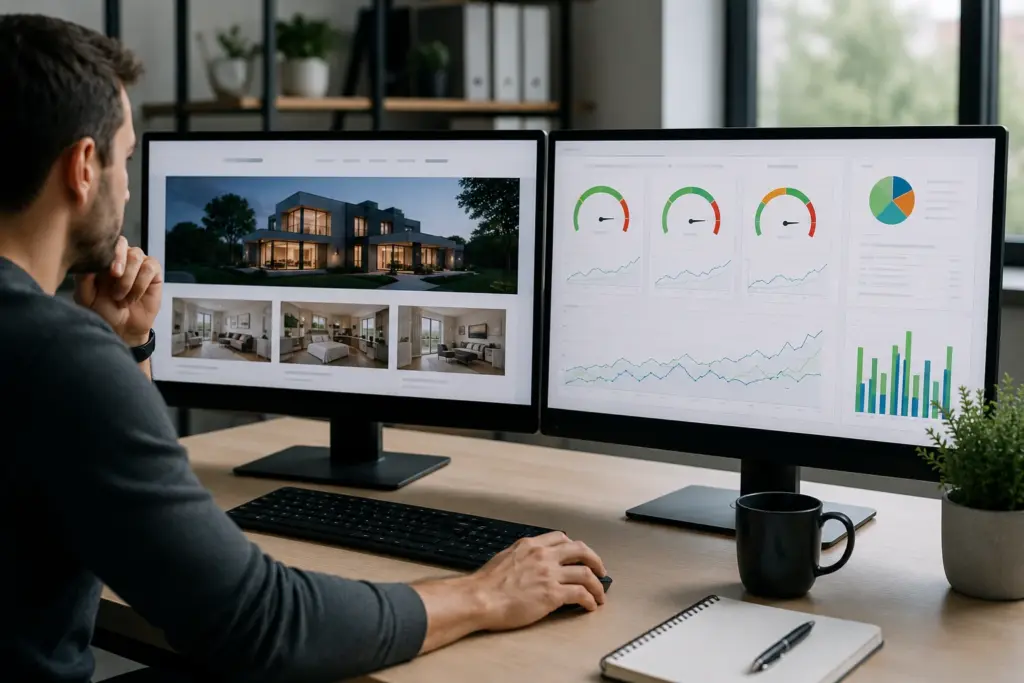

Local Business Web Design built around goals

Why Local Businesses Need Websites Built Around Their Goals

Let’s be honest, a website without a real goal won’t bring in calls, fill out forms, or push people toward a purchase. Most small businesses figure this out after the site goes live and the phone stays quiet (when it’s too late!).

That delay costs time, money, and customers you won’t get back. But when your business goals drive the design, every page gives visitors a clear next step, and your marketing connects naturally.

This article covers why goal-based web design produces better results for local businesses and what it looks like when it’s done right. Read through, and see where your current site is falling short.

The Local Business Web Design Problem

A good-looking Website doesn't mean a well-performing site

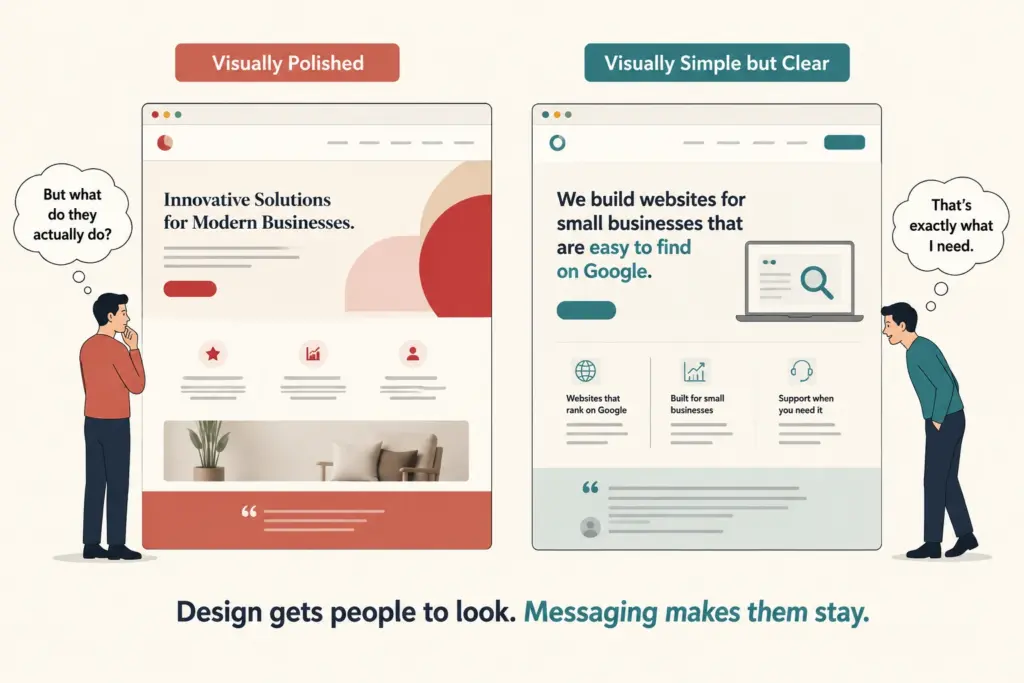
Most local business web design prioritizes how a site looks over what it needs to perform well.

A site without a strategy is like opening a store with no products on the shelves. People walk in, look around, and leave without buying anything. Search engines react the same way.

These are the issues that hold most sites back:

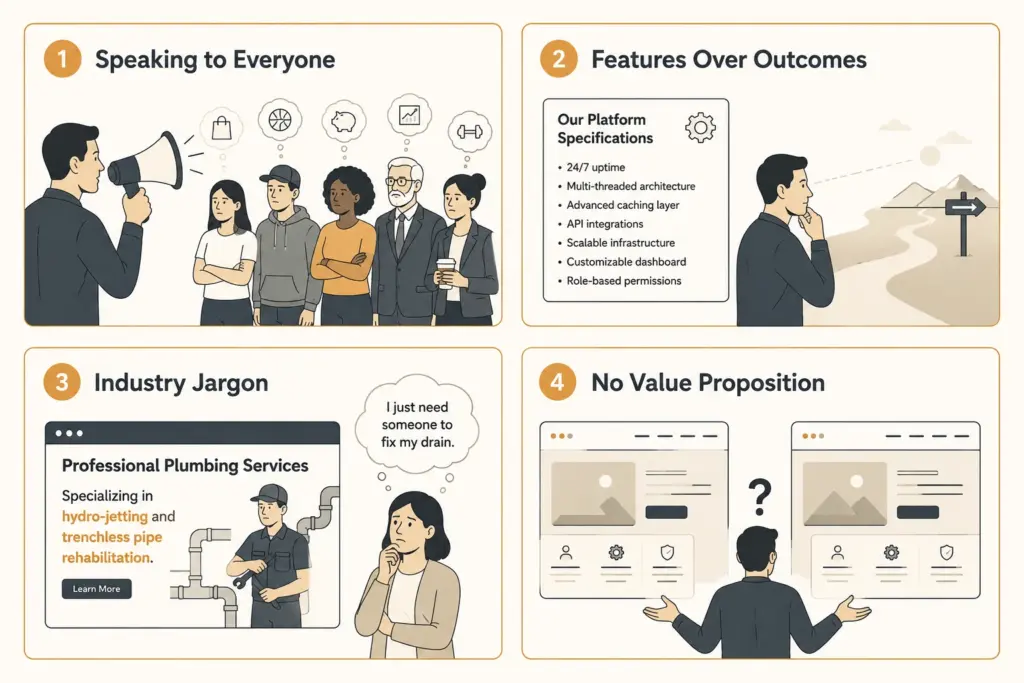
  • Appearance Over Objectives: Web design projects usually start with colors, fonts, and layouts, and business objectives never make it onto the list. A polished site with no strategic direction gives visitors nothing to act on.
  • Search Engine Visibility: Search engines rank sites based on structure, load speed, and core web vitals, and none of those come standard with a visually focused build. Without those foundations, your site stays invisible to the people searching for it.

A website that looks fine but produces no results isn’t a cheap mistake. The longer it runs without a strategy, the more revenue you lose.

What Goal-Based Website Design Really Looks Like

The whole process starts with one question: “What does your business need this site to accomplish?

That answer drives the design decisions, the layout choices, and the calls to action across the entire site. In other words, a website built around clear goals works like your best sales department.

This is what that looks like when it’s done right:

The Goal Comes Before the Design

Before anything gets designed, goal-based web design identifies what the business needs the site to accomplish.

Take phone calls as an example. A phone call goal puts your contact details above the fold, with the entire site pushing visitors toward picking up the phone. A lead generation goal, in that case, centers on the opt-in form and the offer.

The goal determines the build, and honestly, most sites skip that conversation entirely.

Every Page Gets a Job

And that goal-driven approach carries through the entire site. The homepage builds trust, the services page answers objections, and the contact page makes it easy to reach out, so every visitor always has a clear next step in front of them.

We’ve seen businesses double their inquiry rate simply by giving each page a defined role and sticking to it.

Custom Beats Generic Every Time

A website builder gets a site live fast, which isn’t the same as functional. A good web design team builds custom websites around your specific business objectives, your target audience, and your brand’s message.

Unlike a drag-and-drop template, a custom site is built around your specific needs, and the results reflect that directly.

How Your Business Website Shows Up on Search Engines

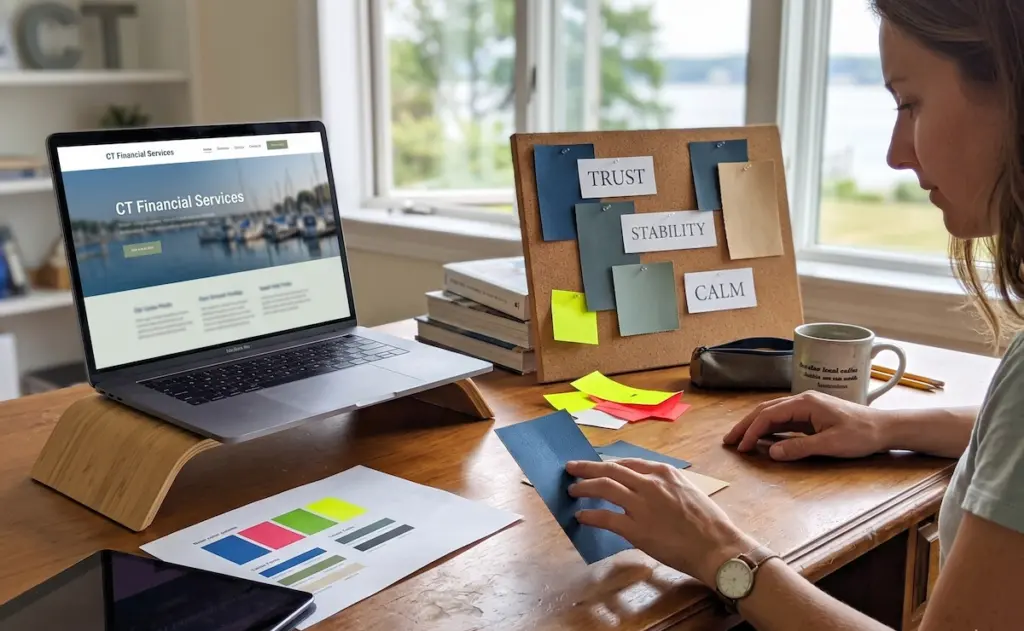
Checking local speed and web vitals

In reality, search engines rank on the following criteria: site structure, load speed, and core web vitals. A site weak in any of those areas hands potential customers directly to competitors whose sites load better and rank higher.

Proven strategies like goal-setting before design and solid technical implementation make a measurable difference, too. For a quick reality check, you can see how your site scores with PageSpeed Insights, and the gaps are usually clear.

In our experience, sites built around business goals consistently produce better search visibility and more inquiries. And Google’s own research confirms that page experience directly affects where your site lands in the results.

Lead Generation, Landing Pages, and Getting People to Act

Most landing pages get visited and forgotten. The heading, the images, and the layout might all look right, but if nobody built the page around a specific lead generation goal, visitors have no real reason to do anything.

The goal comes first, and everything else follows from it:


Business Goal


Page Element It Drives


Book a consultation


Prominent contact form above the fold


Sell a product


Clear pricing with a single call to action


Build an email list


Lead magnet with opt-in form


Drive phone calls


Click-to-call button on mobile

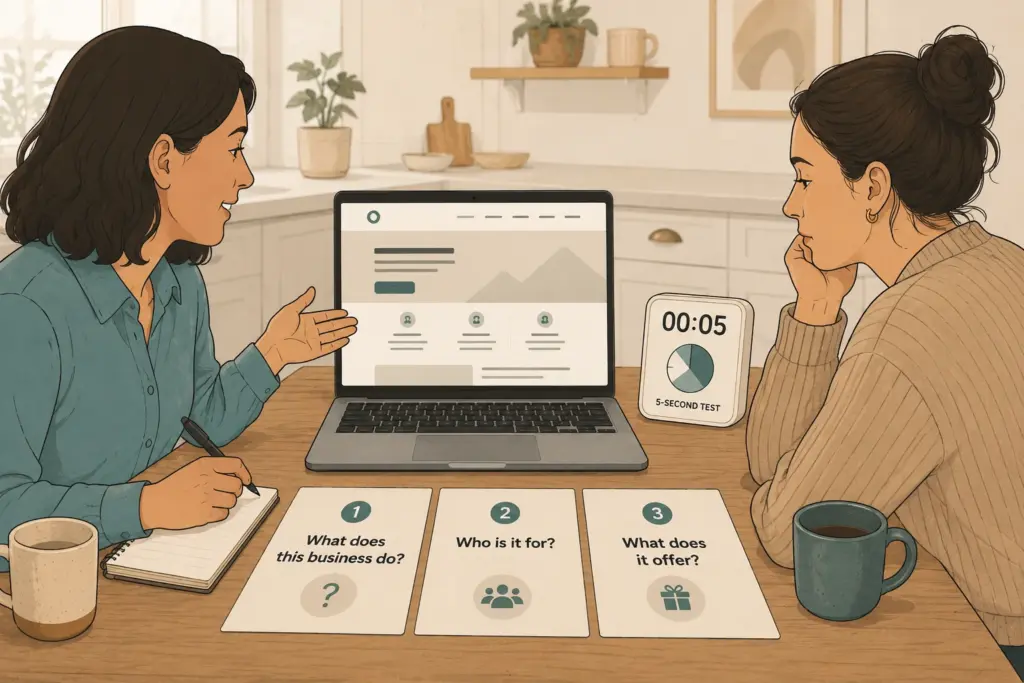
And honestly, poor page structure kills conversions before visitors even get a chance to act. Most landing pages lose people within the first few seconds because the page never makes it clear what to do next.

So naturally, a digital strategy that connects landing pages to specific business objectives produces leads you can track and measure.

Conversion Optimization and What a Goal-Driven Site Delivers

Planning the placement of the website content

Conversion optimization gives every page a specific job: move the visitor toward a decision.

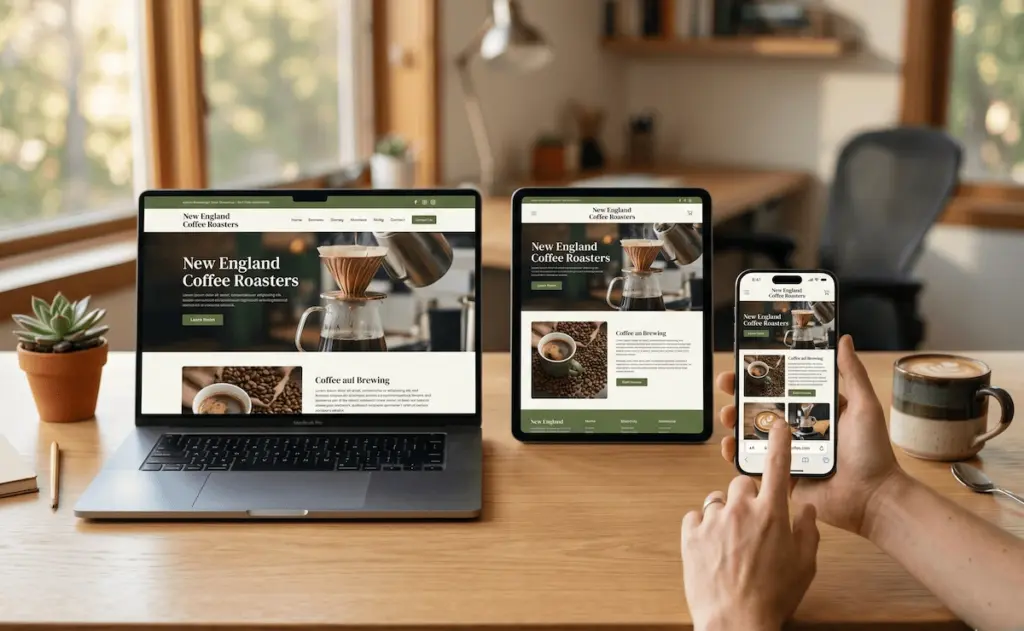
Simply put, the placement of your call to action, the white space around it, and the clarity of your next step all play a direct role in your conversion rates. That applies to all the devices your visitors use.

In fact, a large portion of your traffic arrives on mobile devices, and a site that isn’t mobile-friendly sends those visitors away before they reach your call to action.

What’s more, Google’s own data confirms that mobile-friendly sites rank higher and retain visitors longer, which is why responsive design is a baseline requirement (Google always ranks your mobile site first).

Based on what we’ve seen, a goal-driven site with strong mobile performance consistently outperforms a visually polished one without either.

A Better Website Starts With a Better Goal

Every section of this article points to the same conclusion. A small business website that isn’t built around clear goals costs you leads, visibility, and revenue every single day it stays that way. Most businesses realize this way too late.

So with that in mind, goal-based web design addresses each of those gaps directly. Site structure gets your site found, landing pages get visitors to act, and conversion optimization makes sure every page earns its place.

At Westport Osprey Website Design, we help many people build their sites around what their business truly needs. Reach out, and our team will take you through every step of the process. Your next website should work harder than your last one.

Custom Web Design Benefits

How Custom Web Design Supports Long-Term Business Growth

Stuck with a website that can’t keep up as your small business grows? Let’s be real here. Most companies start with basic sites that work fine at first, but things get messy when you need to add features or scale up.

This guide shows how custom web design benefits support growth as your company changes and expands. You’ll learn why tailored sites adapt better than templates when your business goals shift or grow.

Connecticut small businesses have used scalable web design to build their online presence without starting over every few years. If you want similar results, keep reading.

What Are the Benefits of Custom Web Design for Growing Companies?

Custom web design benefits give you a website that adapts as your company grows, rather than holding it back. Here’s what’s interesting. Most template-based websites work fine at first, but they start causing problems when your business needs change. A custom website gives you room to grow without hitting walls every few months.

Let’s talk about what actually makes custom sites different.

Room to grow when you need it

Room to grow when you need it

When your business expands, you can add new features without rebuilding everything. Need a booking system next month? No problem. Want to add a customer portal later? That works too. Template-based website platforms make you squeeze into their preset layouts (it’s more common than you think). Custom web design lets you build what your target audience actually needs instead of settling for what a template allows.

Your brand shows up everywhere

The user interface matches your actual brand identity, not some generic theme. High-quality images, custom layouts, and specific color choices all work together to show website visitors who you really are. Plus, the site reflects how your customers think and behave instead of forcing them through navigation that made sense to a template designer somewhere.

Speed matters more than you realize

Template-based sites come loaded with code for features you’ll never touch. All that extra weight slows your site down. A custom website only carries what you actually use, which means faster load times. Search engines notice this and rank faster sites higher. So your web design becomes something that actually brings in business instead of just existing online.

The difference adds up over time when you’re trying to stand out from competitors using the same tired templates.

Why Search Engines Favor Custom Websites Over Templates

Over half of mobile users leave a site if it takes more than three seconds to load. That’s a huge chunk of potential customers gone before they even see what you offer. Search engines notice this behavior and adjust search engine rankings based on website performance.

Think about it this way. When you build a custom website, you eliminate bloated template code that slows everything down. Templates carry features for image sliders and page builders that most businesses never touch. All that extra weight creates slow loading times (and the damage adds up fast) when search engines decide where you rank in search results.

Custom web design gives you control over technical elements that matter for search engine optimization. You can structure URLs properly, add schema markup, and optimize performance from scratch. Mobile devices get layouts built specifically for mobile phones instead of generic responsive templates that just shrink desktop designs.

Search engines also penalize duplicate content. Thousands of websites use identical templates with similar structures. A custom site avoids this completely by creating unique layouts and code. When you handle technical issues right from the start, organic traffic increases because search engines hit the nail on the head, recognizing quality sites.

How Custom Website Development Adapts to Your Business Goals

The best part about custom website development is that you’re never stuck with features you’ve outgrown. From what we’ve seen across dozens of Connecticut projects, businesses hit a point where their site either grows with them or holds them back. Building a professional website gives you control instead of leaving it up to whatever your template allows.

Flexible Features That Scale With Your Online Presence

Better Control Over User Experience and Conversion Rates

When your business goals shift, you can add new product lines or booking systems without switching platforms. Custom website development means integrations work smoothly with the tools you already use. Think CRM software, email marketing platforms, and analytics dashboards.

Third-party tools connect without creating conflicts or breaking your site. Your online presence grows alongside your team and customer base. When push comes to shove, and you need changes fast, custom web design delivers. Future growth doesn’t mean starting over every few years.

Better Control Over User Experience and Conversion Rates

This is where most people go wrong with template sites. When you design forms and checkout flows based on how your actual customers behave, conversion rates improve naturally. You can test different layouts and track what works without plugin conflicts slowing you down.

Want to adjust page elements to reduce friction? Done. Need to guide potential customers toward specific actions? Easy. Custom website development gives you that level of control over the user experience.

Custom Website Solutions for E-Commerce Growth

E-commerce sites need checkout experiences that match your brand and reduce cart abandonment. Template options force generic payment flows that confuse customers. Custom sites let you build product pages with filters, comparison tools, and recommendations based on real customer data.

As sales volume increases, your site handles inventory management without crashing. Website performance stays consistent even during busy seasons, keeping your online presence strong when it matters most.

Custom Design Solves Pain Points That Templates Can’t Fix

Templates create more problems than they solve when your business needs start getting specific. And here’s the thing. Most companies don’t realize their template-based website is causing pain points until they’ve lost customers. Let’s look at what custom web design actually fixes.

  • Rigid layouts force bad compromises: Template-based platforms make you squeeze content into preset structures. When you need custom forms or specific checkout flows, templates force you into cutting corners. A custom site builds exactly what works without sacrificing user experience.
  • Generic features ignore your requirements: You can address compliance rules, accessibility standards, and specialized functionality that template-based website builders don’t offer. Healthcare needs HIPAA compliance. Legal firms need secure portals. Templates treat every business the same, creating a poor user experience.
  • Confusing navigation kills engagement: In our experience with Westport businesses, bad navigation hurts average time on site more than anything else. Custom web design organizes content around how your customers actually search. A strategic redesign creates intuitive paths based on real behavior.
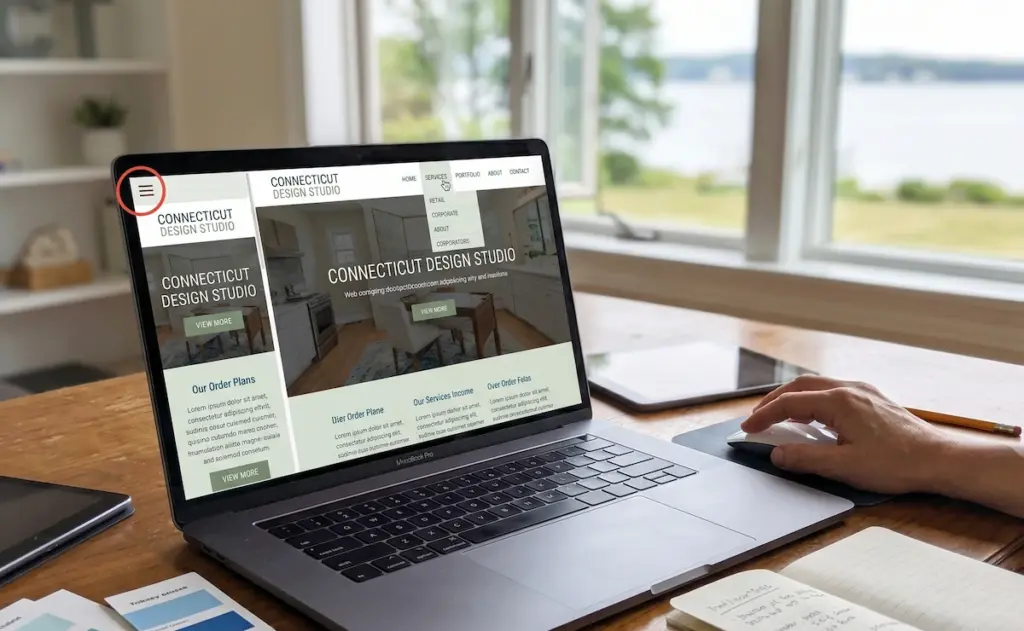
  • Mobile layouts disappoint users: Template-based websites just shrink desktop designs for mobile phones. Custom development optimizes for actual device usage with thumb-friendly buttons and properly sized images. Getting your current site rebuilt with mobile-first thinking changes how people interact with your brand.
Custom Design Solves Pain Points That Templates Can't Fix

When a web designer and web developer collaborate on a redesign strategy, everyone gets on the same page about solving real pain points.

Does Custom Web Design Really Improve Average Time on Site?

Ever land on a website and leave within seconds because nothing made sense? (We’ve all been there). You might be thinking design doesn’t affect how long website visitors stick around, but the data says otherwise.

Template SitesCustom Web Design
Generic navigation confuses visitorsTailored user experience guides the customer journey naturally
Standard layouts ignore user behaviorInteractive elements and visual elements are placed based on research
One-size-fits-all structureSeamless user experience built around actual needs
Higher bounce ratesWebsite visitors stay on site longer

A well-designed website guides people naturally instead of making them hunt around. When visual elements work together to stay visually appealing without cramming everything in, average time on site improves. Custom sites balance information with breathing room and put content where visitors expect it.

Website redesign clears out technical problems causing quick exits. Faster pages create better first impressions. Simple navigation cuts frustration. When you nail the user experience through web design, conversion rates climb because people stick around long enough to increase conversions.

Ready to Build a Custom Website That Grows With You?

Custom web design benefits add up over time as your business changes and market demands shift. Bottom line? Investing in custom website development now saves money on workarounds, migrations, and lost opportunities later.

Template sites might seem cheaper upfront, but they cost small businesses more when growth stalls. A strong online presence built around your actual business goals gives you room to expand without constant rebuilds.

Westport Osprey Website Design creates custom websites for Connecticut small businesses ready to scale smartly. When you’re planning for future growth instead of quick fixes, contact us today to discuss building a site that actually supports your vision.

A woman sits at a modern desk in a bright office, smiling while looking at her laptop. It shows an organized business website that follows proper website maintenance tips. The office has minimal decor, and the natural light adds warmth to the space.

What Makes a Business Website Easy to Maintain Over Time

You make a business website easier to manage when you set it up properly from the start. If you choose the right platform, handle content properly, and organize the site well, you spend less time and effort on updates later.

At Westport Osprey Website Design Agency, we’ve built and maintained websites for Connecticut businesses for years. We know which decisions keep a site easy to manage and which ones lead to more work over time.

In this article, we’ll cover the key factors that make maintenance easier and how your hosting plan plays a role in it. You’ll also learn which tasks to plan ahead for and when it makes sense to get professional help.

Read on to learn how to make website maintenance simpler.

Key Factors That Make a Website Easy to Maintain

A man sits at a sleek desk in a modern office, focusing on his computer screen that displays an organized website management dashboard. The office is bright and minimalist, with soft natural light coming through the window.

When you choose the right hosting, content management system (CMS), and site structure from the start, a website stays easy to maintain. Otherwise, you end up spending hours each month fixing problems that you could’ve easily avoided.

Here are the factors to consider when you’re building a website:

  • Right Hosting Plan: Your hosting company stores your website’s files on its servers. That’s where a reliable web hosting provider ensures fewer outages, faster website updates, and less time wondering why your site crashed at 2 AM.
  • Flexible CMS: A solid content management system like WordPress lets you swap images, update text, and publish a blog post without bothering your developer. You don’t need any special technical skills for that.
  • Clean Code: When it comes to messy code, it’s a nightmare to fix. Even tiny changes can spiral into hours of troubleshooting. But clean code loads faster, helps you do better in search engine optimization, and keeps your developer happy.
  • Automatic Backups: Plugins conflict and servers crash all the time. So you need to keep daily backups, which will allow you to restore your website data in minutes instead of starting over from scratch.
  • Organized Files: It’s frustrating trying to find one image buried among hundreds of unnamed files. However, if you have a clear file structure, it makes updates, fixes, and handoffs much faster.

As a whole, these approaches reduce your risk and simplify day-to-day site management.

How Does Your Hosting Plan Affect Website Maintenance?

A man stands in a modern office. He appears to be explaining website hosting options to a colleague using a large digital screen. The screen shows comparisons of shared, VPS, and cloud hosting, with clear performance graphs and security alerts.

Your hosting plan plays a huge role in how easy your website is to maintain because it affects speed, security, and control. If you choose the wrong one, you may deal with slow load times and frequent issues over time.

Most small businesses start with shared hosting because it’s cheap, but those limitations become visible fast as your site grows.

Let’s get into more details about the impacts of a bad hosting plan.

Shared Hosting Limitations

Shared hosting is the most cost-effective option for personal websites and small businesses. You’re basically renting space on a physical server alongside dozens of other websites, which keeps costs low.

But there’s a compromise. When another site on your host’s servers gets a traffic spike, your page speed can drop considerably.

What’s more is that the security issue of one site can sometimes cause problems for others. We’ve seen a Connecticut client’s site go down just because another website on the shared server got hacked.

Pro tip: Use monitoring tools to alert you when performance drops instead of waiting for customer complaints.

VPS and Cloud Hosting Benefits

VPS and cloud hosting offer a solid middle ground without the cost of managing your own servers. These plans are especially useful for growing businesses that need better uptime and faster page speed (also a good balance of performance and cost).

One of the best things about VPS hosting is that it gives you dedicated resources on a virtual server, so other websites won’t slow you down. And cloud hosting spreads your site across multiple servers for smoother performance during high traffic periods.

We typically recommend dedicated server options for e-commerce sites and online stores. This way, businesses that handle sensitive data or process payments get better protection and control.

What Website Maintenance Tasks Should You Schedule?

A woman stands in a modern office next to a large digital calendar on the wall. She's reviewing her website’s maintenance schedule. The calendar displays weekly, monthly, quarterly, and annual tasks like speed checks, plugin updates, and security reviews.

Essential website maintenance tasks include weekly speed checks, monthly plugin updates, quarterly security reviews, and yearly SEO audits. When you schedule these tasks as a routine, you can manage small issues easily, and the overall maintenance process takes less time than you’d expect.

The list below shows what to check and when to check it:

  • Weekly Tasks: During your weekly checks, you should look for broken links and test your page speed using tools like Google PageSpeed Insights. These quick checks will detect issues before site visitors notice them.
  • Monthly Tasks: Update your plugins, themes, and CMS to the latest versions when you’re performing monthly checks. This is also a good time to publish fresh content, like a blog post, to keep search engines happy.
  • Quarterly Tasks: Review your security patches, storage space, and backup settings. Make sure your daily backups are actually running and that you’re not running low on disk space.
  • Annual Tasks: You should renew your domain name before it expires and audit your SEO. Also, don’t forget to check that your product descriptions, contact info, and content strategy still align with your target audience.

When you keep maintenance on a regular schedule, small issues stay contained and don’t grow into bigger problems.

When Should You Hire Professional Support?

A man and a website support expert sit across from each other in a modern meeting room, discussing a website audit report. The screen displays security issues, outdated plugins, and a maintenance plan. It highlights the need for professional support.

You should hire professional support when ongoing maintenance takes too much time or requires technical skills your team lacks. Some business owners try to handle everything themselves, but that often leads to missed updates and security gaps.

The signs below can help you decide when it’s worth handing things off.

Signs Your Site Needs Technical Expertise

According to Verizon Business, in its article “Small Business Cyber Security and Data Breaches,” small businesses account for 43% of data breaches. And many of them happen through outdated plugins or weak security. If that stat makes you nervous, you’re not alone.

That often happens because ongoing maintenance pulls you away from running your business. And when your site needs skills your team doesn’t have, small fixes quickly add up (it’s not a great use of your time either).

Security issues are another red flag. If you’ve dealt with a data breach or malware infection, it’s time to bring in someone who deals with these problems daily.

What a Maintenance Plan Should Include

A solid maintenance plan should cover the basics. Look for daily backups, security monitoring, and regular website updates at a minimum. Professional support should also handle plugin conflicts and the website’s file management so you don’t have to dig into code.

Monthly reports are a nice bonus, too. They let you track page speed, site visitors, and any issues that came up. We include these details in every maintenance package we offer to our clients.

Useful tip: Choose a provider that documents every change made to your site.

Take Control of Your Website Maintenance

You’ve reached the end of our guide on what makes a website easy to maintain. You now know that the right hosting plan, a flexible CMS, and a solid maintenance schedule can save you hours of frustration down the road.

If you’re a small business or personal website owner, start with the fundamentals. Set up automatic backups, keep your plugins updated, and check for broken links weekly. And for e-commerce sites handling sensitive data, consider upgrading to VPS or dedicated hosting.

If you need help staying on top of website maintenance, we at Westport Osprey Website Design Agency offer plans built for businesses in Connecticut and beyond. Get in touch with our team to learn more.