

Archives August 2026

Planning the website's trust signals

How Web Design Influences Customer Trust Before a Conversation Begins

Web design influences customer trust by sending visual signals the moment someone lands on your page. Your layout, colors, and site design all play a role in that first impression. And users pick up on every one of those signals before they read a single word.

And when those signals are off? People leave and don’t look back. You lose that potential customer, and we see this all the time with small businesses online.

In this article, we cover the web design psychology, website trust signals, and design choices that build real credibility. Stick around. What you learn here could change how your customers see you the moment they land on your page.

Your Website Has About 50 Milliseconds to Make a Good Impression
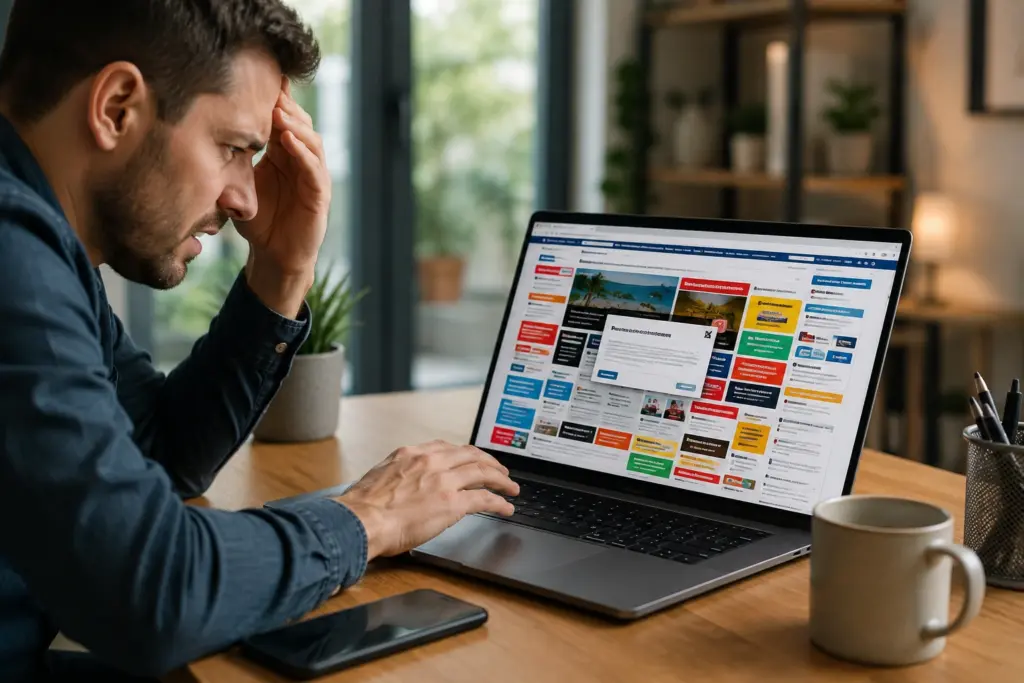
Website clutter results in higher bounce rate

Judging a website in 50 milliseconds is like reading someone’s body language before they speak. You haven’t heard a word yet, and you’ve already formed an opinion. This is how quickly users form an opinion about your business website (no, they aren’t reading your homepage copy first).

In fact, Google’s own research confirms that people prefer simple, familiar designs over complex ones. So if your homepage feels overwhelming or outdated, users won’t stay around to find out what you offer. A poor first impression pushes your bounce rate higher, and those visitors rarely come back.

Visual details in your design drive that snap judgment users make. More often than not, those details are the difference between a visitor who stays and one who leaves.

How Web Design Psychology Determines the Way Users Behave on Your Site

Web design psychology influences user behavior through specific visual choices. Colors, layout, and white space all send signals that people respond to emotionally.

Out of all the important factors in web design, colors and layout structure are the two design elements your users respond to the most.

Colors Signal Credibility Before Words Do

Colors make your site look nice and set the emotional tone for your entire page. For instance, blues and greens signal trust, but reds and oranges push urgency. People respond to these cues on instinct. So if your color choices feel inconsistent or random, visitors won’t feel confident enough to stay.

Visual Hierarchy Decides What Users See First

Think of your page layout as a road map. Without clear signs, users get lost and leave. Visual hierarchy solves this by directing the eye from one element to the next in a logical order. And when users can follow that path without thinking, they interact with your page more and are more likely to take action.

We’ve seen pages with great offers lose customers simply because nothing told users where to look next.

The Trust Signals People Notice Before They Read Anything
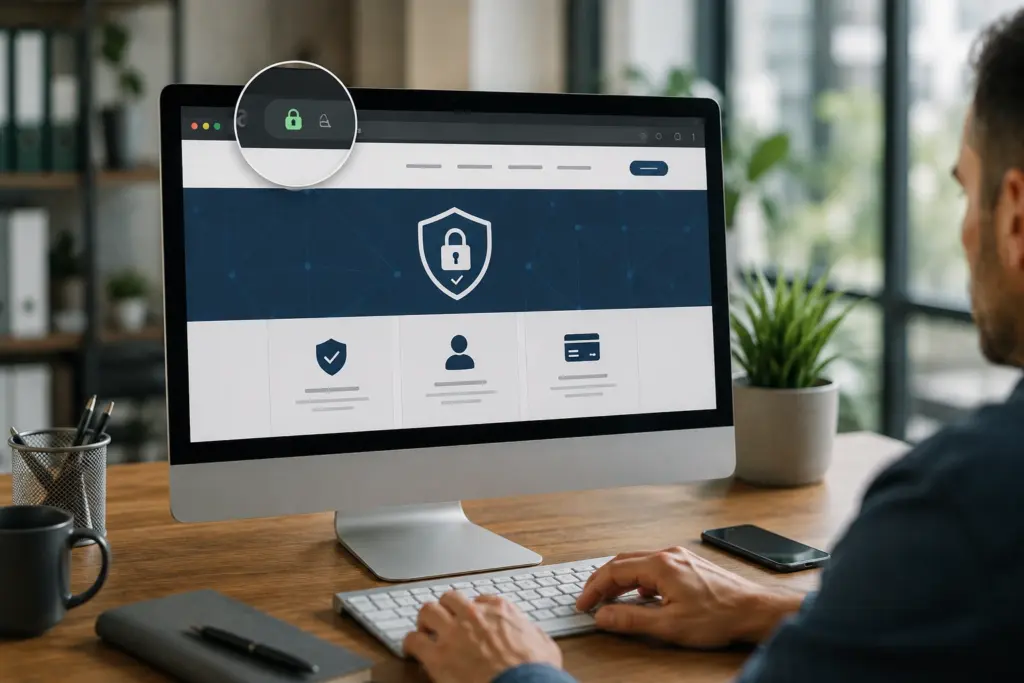
A website having a clear SSL certificate which ensure security

Ever wondered why some websites feel trustworthy within seconds, while others don’t? Your site design, security signals, and contact details are what build trust before you say a word.

Having worked with small businesses across Connecticut, we’ve reviewed hundreds of pages that weren’t converting. In almost every case, the site didn’t have at least one of these three trust signals. Let’s have a look:

  1. Professional Site Design: Cluttered pages, mismatched fonts, and low-quality images all send the wrong message. A study published in the National Institutes of Health found that nearly 75% of people judge a website’s credibility based on how it looks visually.
  2. Security Seals and HTTPS: A valid SSL certificate and security seals tell users their data is secure on your site. And honestly, if you’ve ever hesitated to enter your card details on an unfamiliar site, you already know how powerful that padlock icon really is.
  3. Visible Contact Information: Nothing tells potential customers there’s a real team behind your site quite like visible contact details. People reach out more readily when they know a real team is just a phone call away. Without a number, even the most polished site can feel like it’s hiding something.

Think about your last three competitors you lost a lead to. Chances are, their site had all three of these signals, and yours didn’t.

Small Business Website Mistakes That Send Visitors Running

Poor site design costs small businesses real leads every single day. In most cases, it’s the same four mistakes over and over. Slow load times, missing security seals, poor mobile design, and too many options on one page appear on almost every site we audit.

The table below breaks down each one in detail:


Mistake


What It Signals to Visitors


Impact on Your Site


Slow load time


Your business isn’t professional


Higher bounce rate


Too many options on one page


Confusion and overwhelm


Visitors leave without converting


No security certificate


Your site isn’t safe


Customers lose trust and data security


Poor mobile site design


You don’t value user experience


Lost mobile traffic

These four mistakes are costing you leads right now. We recommend addressing each one on your own website before spending another dollar on marketing tools or efforts to drive traffic.

After all, better site design means lower bounce rates, longer visits, and stronger search results.

How Your Perfect Domain, Branding, and Social Media Pull It All Together

cross-checking branding and profiles across devices

A custom domain, consistent branding, and active social media profiles reinforce trust by giving your business a consistent, professional presence across every channel. And here’s something most people miss. Visitors check all of them before reaching out about your services.

A perfect domain name tells users your business is established and credible. Free or generic domains send the opposite message. Your domain is just the starting point, though. Consistent branding across your site, social media profiles, and email marketing builds familiarity with your audience.

We’ve seen Connecticut businesses lose leads simply because their domain looked untrustworthy. For example, one of our clients switched to a clean custom domain, and their phone started ringing more within the first month.

That’s the power of turning your business website into a central hub that works for you around the clock.

You Only Get One Shot at a First Impression Online

Your website makes a first impression the moment someone lands on your page. Every color, layout choice, and trust signal sends a message, and good web design makes sure it works in your favor. Either way, it directly affects how long visitors stay and how many of them convert.

To make sure nothing gets missed, we covered web design psychology, trust signals, common site mistakes, and how your domain and branding work together. Fortunately, every single one of these issues is fixable.

That’s why the team at Westport Osprey works with Connecticut businesses every day to build websites that earn trust. Our experts will audit your site and put a clear plan together for you. Reach out today, and we’ll walk you through every step.


Why Businesses Regret Treating Their Website as a One-Time Project

Why Businesses Regret Treating Their Website as a One-Time Project

Have you ever spent months building your website, eventually hit publish, and thought “okay, we’re done here”? A lot of businesses do, and honestly, we get it. The launch feels like the finish line, so it makes sense to move on.

But your business website design does not stop working for you on launch day. There’s ongoing work that keeps it competitive, secure, and relevant. After all, browsers change, security threats grow, and your competitors are not standing still.

We see this play out all the time at Westport Osprey Web Design. This article covers why leaving your website on autopilot is one of the most common and costly mistakes a business can make.

Web Design Does Not Stop at Launch

Most businesses treat their website like a renovation project. You plan it, build it, hand over the keys, and move on. But a website usually doesn’t work like that, because the work that keeps it performing doesn’t stop once it goes live. Step back for too long, and it starts costing you in ways you’ll not always see coming.

Here’s where businesses feel it most.

Why Site Maintenance Gets Ignored (And What It Costs You)

Site maintenance rarely feels urgent until something actually breaks. We’ve worked with businesses in Westport who went years without touching their site, only to discover hacked pages, broken links, and a spiraling bounce rate.

What most of them didn’t realize is that easy to maintain doesn’t mean zero effort. When you skip security patches, you leave your site open to vulnerabilities hackers actively target, and that’s the worst-case scenario for any website owner.

Bug fixes pile up over time too. Each unresolved issue adds friction to the user journey, and anyone who hits a broken or sluggish page rarely sticks around. Ultimately, skipping the technical side altogether means great content stops converting, and data loss becomes a very real concern.

What Web Developers Are Actually Responsible For

Usually, web developers handle uptime monitoring, browser compatibility, security updates, and performance fixes long after launch. Their clients never see what happens behind the scenes of a professional website build, but that work is what keeps everything functioning properly.

And here’s the thing: browser updates roll out constantly. A site that worked perfectly six months ago can start throwing errors across devices with zero warning. That’s why ongoing web development goes well beyond writing code, covering:

  • Testing pages across devices and browsers
  • Monitoring uptime and flagging outages before visitors encounter them
  • Reviewing site architecture and internal links to support search engine crawling
  • Flagging technical issues before they affect your visitors

Think of web developers as the crew running things around the clock. Nine times out of ten, the businesses with the most stable sites are the ones who never let that relationship go.

Your Business Website Design Won’t Age Well on Its Own

Business Website Design Needs to Update

A website built two years ago already looks and feels different from one built today. Business website design moves fast, and what felt modern at launch can start looking stale to visitors well before you notice. That’s a wake-up call most businesses receive too late.

Let’s be real here. Outdated design doesn’t just look bad; it tells potential customers that your brand has not kept up, and that doubt tends to set in before they even get to your content. And first impressions on a website work the same way they do in person. You get one shot, and a dated layout wastes it.

Now, keeping things fresh does not mean rebuilding from scratch every couple of years. Simple updates to layout, typography, and visuals cover a lot of ground.

For example, cleaner fonts make content easier to scan because readers process well-structured text faster and spend more time on the page. The same goes for spacing and visuals. When those feel outdated, people lose confidence in your brand.

What Google Analytics Reveals About Your Website Performance

Google Analytics (GA) sits on the backend of your site, collecting real data continuously (and what it reveals isn’t always a pretty picture). It tracks user behavior, web traffic, and site performance in detail, so you know exactly what’s happening across your pages at any given time.

Business Website Design: What Google Analytics Reveal About Performance

Here’s how to get in there. Open Google Analytics → Dashboard → Reports → Acquisition to see where your traffic is coming from. Then go to Reports → Engagement to check which pages keep visitors engaged and which ones lose them quickly.

And if you run an online store, head to Reports → Monetization to see where revenue is dropping off. Pull up any of those tabs, and you’ll find data covering five areas worth paying close attention to:

  • Top-Performing Pages: Some pages pull in consistent visitors and keep them engaged. Others bleed traffic within seconds, and knowing the difference tells you where to invest and what to cut.
  • Traffic Origins: Search engines, social media, and ad campaigns each behave differently. Splitting them out shows which channels drive real results for your business.
  • Content That Needs Work: User feedback patterns flag website content that has gone stale. Outdated product descriptions, thin pages, and posts that no longer match search intent are common culprits.
  • SEO Red Flags: Your website’s SEO health shows up clearly here, including pages dropping in rankings, high exit rates on key landing pages, and slow load times.
  • Revenue Gaps: For e-commerce businesses, dips in online sales often connect directly to a poor site experience that analytics can pinpoint quickly.

When you can see exactly where your site is losing people, fixing those gaps becomes focused action rather than guesswork. And focused action requires the right people in place, which is exactly what the next section covers.

Working With a Web Development Agency vs. Hiring Someone Once

Hiring a web development agency and hiring a freelancer once are two very different commitments. One is a project. The other is a partnership. And for most businesses, that distinction has a significant impact on how well their site holds up.

The table below gives a quick breakdown of how the two compare:

One-Off HireWeb Development Agency
InvolvementEnds at deliveryOngoing relationship
ExpertiseVaries by individualFull team with technical expertise
ServicesLimited to agreed scopeWeb development services across design, SEO, and more
AccountabilityHard to reach post-projectDedicated client support
ScalabilityStarts over each timeGrows alongside your business

A one-off hire delivers a finished product and moves on. A web development company, on the other hand, focuses on where your site needs to go next. That covers ongoing performance reviews, content updates, a professional website build, and even mobile app development for businesses ready to grow their digital presence.

That’s exactly the kind of long-term partnership we build at Westport Osprey Website Design. Our partners stay invested in your results well after the project wraps up, and that is the mutual benefit most businesses miss out on when they hire someone once and move on.

Bottom Line: Hiring once saves money upfront, but commissioning new work every time something breaks costs significantly more. So a development agency that knows your business inside out is worth far more over time than a cheaper option with no continued involvement.

Now that you know who should handle the work, the next question is what that work covers on a regular basis.

The Different Types of Website Updates Businesses Tend to Skip

Different Types of Website Updates Businesses Tend to Skip

Different types of updates serve completely separate purposes. Security keeps your site protected, performance keeps it fast, and content keeps it relevant. So if you let one area go, the others will start feeling the pressure too.

Take a look at what a solid website maintenance routine covers:

  • Security Updates: Firewalls, SSL certificates, and access permissions need regular attention. Your web hosting provider covers some of it, but the remaining gaps still need someone actively checking them on your end.
  • Performance Optimization: Most visitors won’t wait more than three seconds for a page to load. Page speed, server response times, and image compression all play a role, and a content management system makes staying on top of all three far more manageable over time.
  • Content Management: Outdated information on your pages tells visitors your business isn’t on top of things, and that alone is enough to make them click away. Auditing your content regularly and keeping your content management system error-free are the two habits that prevent that from happening.
  • Bug Fixes and Testing: A glitch that goes unfixed for weeks creates friction at exactly the wrong moment. Regular browser and device testing catches these issues early, long before they start costing you visitors.
  • Web Hosting Reviews: Your hosting plan is worth revisiting at least once a year. Speed, security, and uptime demands shift as your business grows, and an outdated plan quietly holds your site back without any obvious warning signs.

Believe it or not, handling these updates proactively takes far less time than untangling them after something goes wrong. We recommend you address them one step at a time to beat a costly recovery effort later.

Ready to Stop Treating Your Website Like a Finished Product?

A website isn’t a one-time investment. It’s an ongoing commitment, and the businesses that treat it that way are the ones that stay competitive, relevant, and visible in search results year after year.

Managing site maintenance, running performance reviews, and keeping pages up to date on top of everything else is a lot to handle alone. But the right web development company takes that pressure off and keeps your site consistently moving forward.

At Westport Osprey Website Design, we work with businesses across Connecticut to keep their sites performing well beyond the initial build. If your website has been sitting untouched for a while, that is worth addressing sooner rather than later.

Reach out to our team today, and let’s talk about what your site needs right now.