
Archives January 2026

Trust signals on websites

The Hidden Design Choices That Make Users Trust a Website Instantly

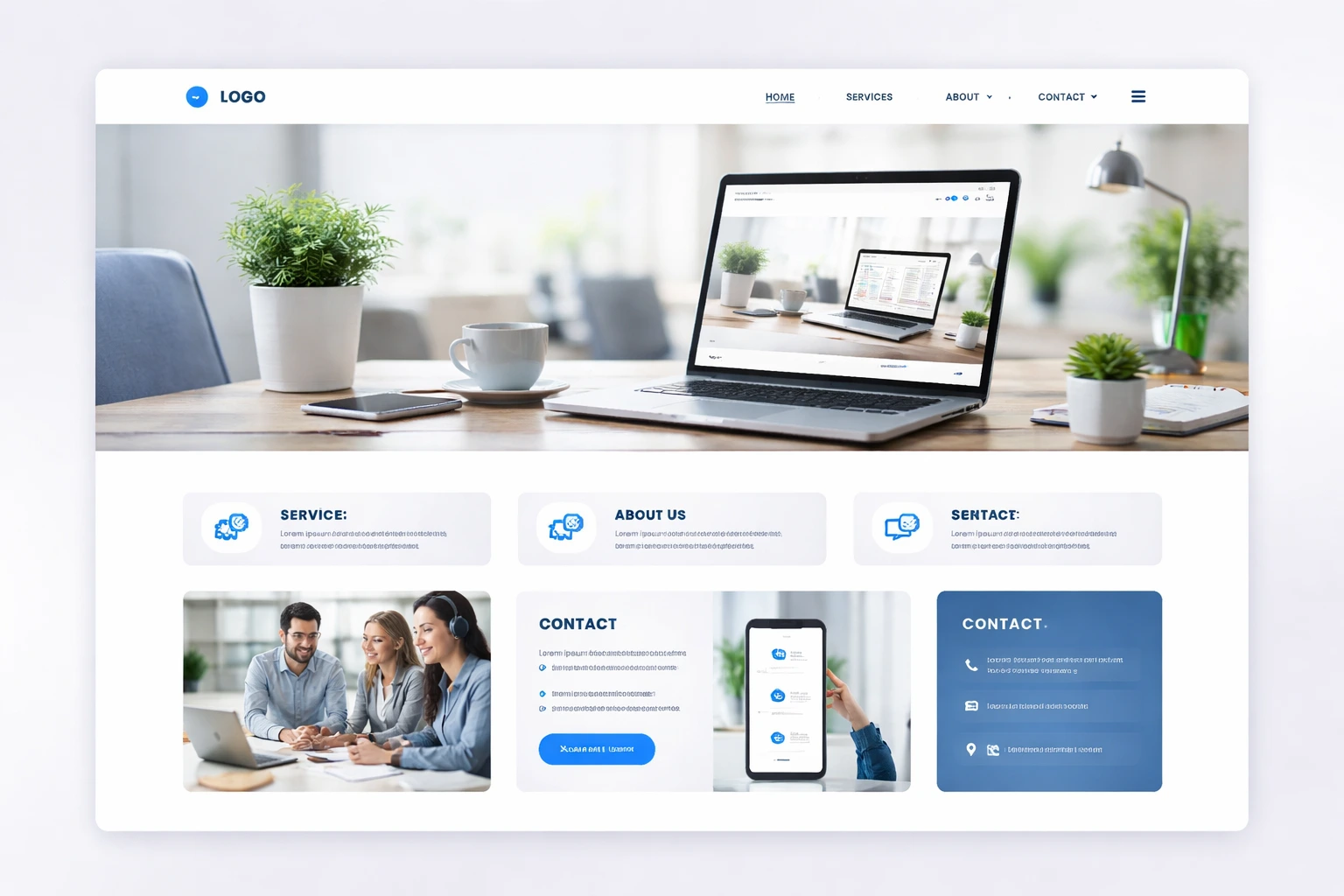
The hidden design choices that make users trust a website instantly start with clean layouts and visible contact information. When visitors see customer testimonials, confidence starts to build, and security indicators that appear before they scroll down seal the deal. These trust signals build UX trust before customers read anything.

Most business owners in Westport panic when they realize that, despite investing in their website, visitors bounce within seconds. Believe it or not, this is because they can’t find your phone number, or something feels off.

Don’t worry, we have got your back. In this article, you’ll learn how social proof works, why security badges help, and which mistakes to avoid. By the end, you’ll see your anticipated results.

Let’s dive in.

What Makes a Website Feel Trustworthy at First Glance?

Websites appear trustworthy when they show professional design, contact details, and security indicators. Bear in mind that users judge your business within three seconds. Research from the Nielsen Norman Group confirms that design quality influences how users trust any site.

The following three elements build instant credibility:

Professional Visual Design

Clean layouts signal attention to detail. When users see a polished design, they associate your brand with professionalism. For example, white space makes information easier to trust, and high-quality images show real investment.

Clear Contact Information

Phone numbers prove you’re a real business. Multiple contact methods reduce anxiety about reaching you. Plus, Westport addresses create familiarity for Connecticut visitors.

Security Indicators Above the Fold

HTTPS padlock icons reassure users immediately. Alongside that, trust signals from Norton catch attention and validate credibility while “Secure Checkout” language reduces hesitation.

These visual cues work together, but social proof takes trust to another level.

Customer Feedback: Why Reviews Build Instant Trust

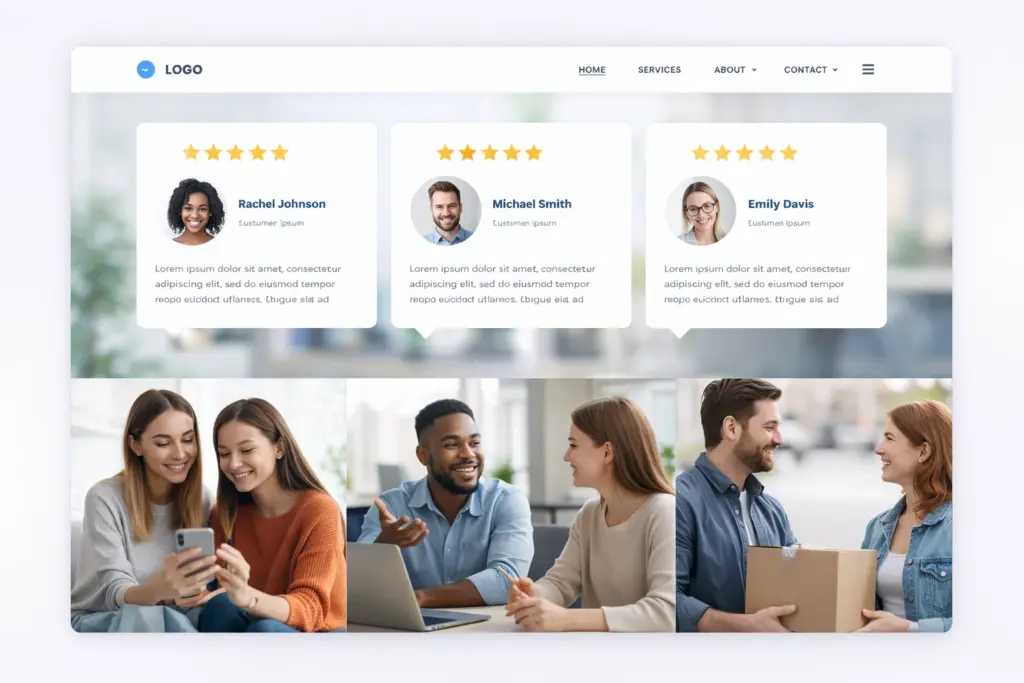
Customer reviews indicating happy clients

Reviews build instant trust because they come from real customers. The truth is, people trust other buyers more than your sales copy. When visitors see authentic feedback from previous users, it validates your claims and makes their decision to buy easier.

These make customer feedback work.

Verified Review Platforms

Trustpilot or Google reviews carry more weight than testimonials on your own site because visitors know you can’t manipulate them. Also, star ratings let visitors assess your reputation right away. Third-party verification shows you’re confident about your product quality and brand legitimacy.

Real Photos and Full Names

Testimonials with headshots feel authentic compared to anonymous quotes. You can’t put a face to the name without real photos, and that personal connection changes how users view your credibility. LinkedIn profiles add another layer of proof that users expect.

Specific Details Over Generic Praise

Reviews mentioning exact features prove experience with your service. Based on our firsthand experience, “great service” doesn’t convince anyone, but “response time under 2 hours” does because it’s specific. Detailed feedback helps prospects understand what they’ll get.

Reviews build credibility through social proof, but certain trust signals work even faster to establish trust.

Design Elements That Establish Credibility

Security badges, customer testimonials, client logos, and case studies establish credibility instantly. These trust signals prove you’re legitimate to visitors the moment they land on your site.

Case studies with measurable results go even further by showing proof of your expertise and giving prospects confidence in your ability to deliver. When you add professional certifications and industry awards, you validate your knowledge while separating yourself from competitors.

Compliance badges reassure users about the sensitive information they’re sharing. Money-back guarantees work the same way but for a different fear: the financial risk that stops people from buying.

Listen, a few trust signals placed strategically work way better than dozens scattered randomly across your site.

Why Do Hidden Fees Kill Conversions?

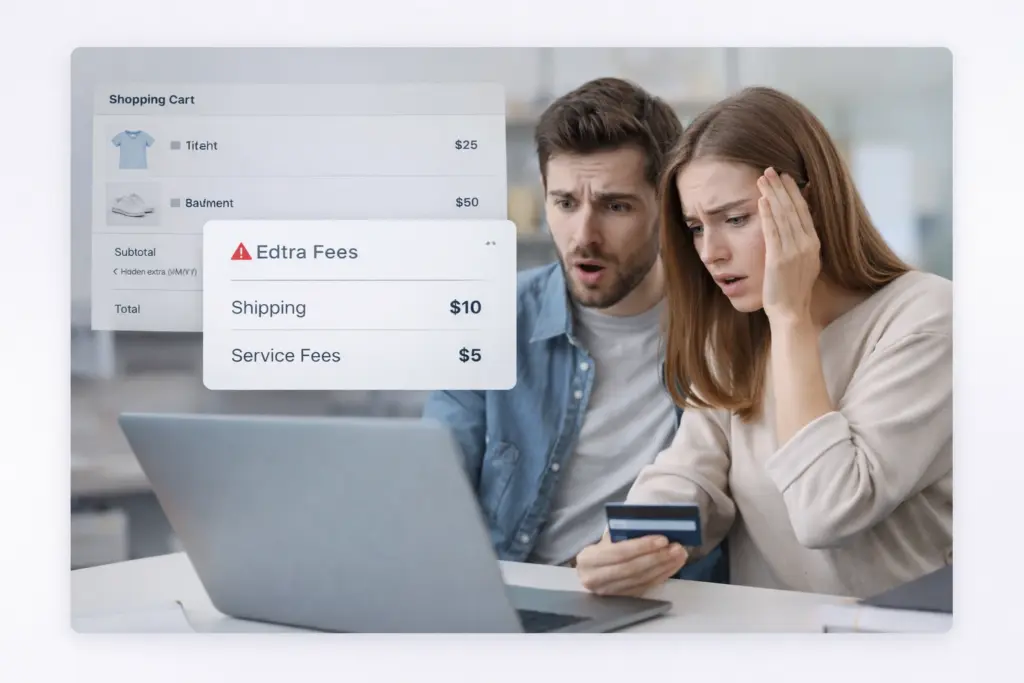
Unhappy customers who found out  about hidden fees

Hidden fees kill conversions because they break trust at checkout. Research from the Baymard Institute estimated 70% of carts get abandoned, and surprise charges are the top reason why. These are some solutions we suggest:

Transparent Pricing on Product Pages

Display full costs upfront to prevent cart abandonment later. When you break down pricing like base price, shipping, and taxes, customers appreciate the honesty and can plan their budget accordingly. Honest pricing builds trust, even if some visitors leave because of higher costs.

Clear Breakdown Before Checkout

Itemized costs let users verify charges before entering payment details (and yes, we’ve all rage-clicked that X button when fees suddenly appeared). This transparency means fewer angry emails and chargebacks after purchase, which protects your business reputation and turns first-time buyers into repeat, satisfied customers.

With transparent pricing established, let’s touch down on security indicators to take that confidence even further.

How Do Security Badges Affect Conversion Rates?

Security badges are the fastest way to calm visitor anxiety about entering credit card information on your site. You might be wondering where to place them for maximum impact.

Our tests revealed that Norton Secured or McAfee badges can boost conversions by 15-30% near payment forms. These trust signals validate your worth:

  • SSL Certificates: Security seals near payment forms reduce anxiety about data theft and sensitive information
  • Payment Logos: PayPal, Stripe, and Apple Pay signal trusted payment processing and familiar checkout experiences users already know
  • Security Badges: Norton Secured or McAfee badges validate credibility the second visitors land on your site, especially when they’re about to hand over credit card details.
  • Strategic Placement: Security indicators work best near form fields where users enter sensitive data. Why? Well, that’s exactly when doubt creeps in.

Security indicators handle the technical side of trust, but there’s a psychological layer most designers overlook completely.

Mental Models: Matching User Expectations to Build Trust

Mental models are patterns users expect based on browsing similar sites. When your site follows familiar layouts and menu placement, users trust that you understand their needs. Break these patterns? The logo doesn’t link home? Users get confused and leave.

Product pages need standard elements like price, reviews, and add-to-cart buttons because that’s what users hunt for first. Experimental layouts make people work too hard, which frustrates them. Match their expectations, and they’ll explore comfortably.

Following these mental models helps, but some design choices actively push customers away.

Common Mistakes That Break User Trust

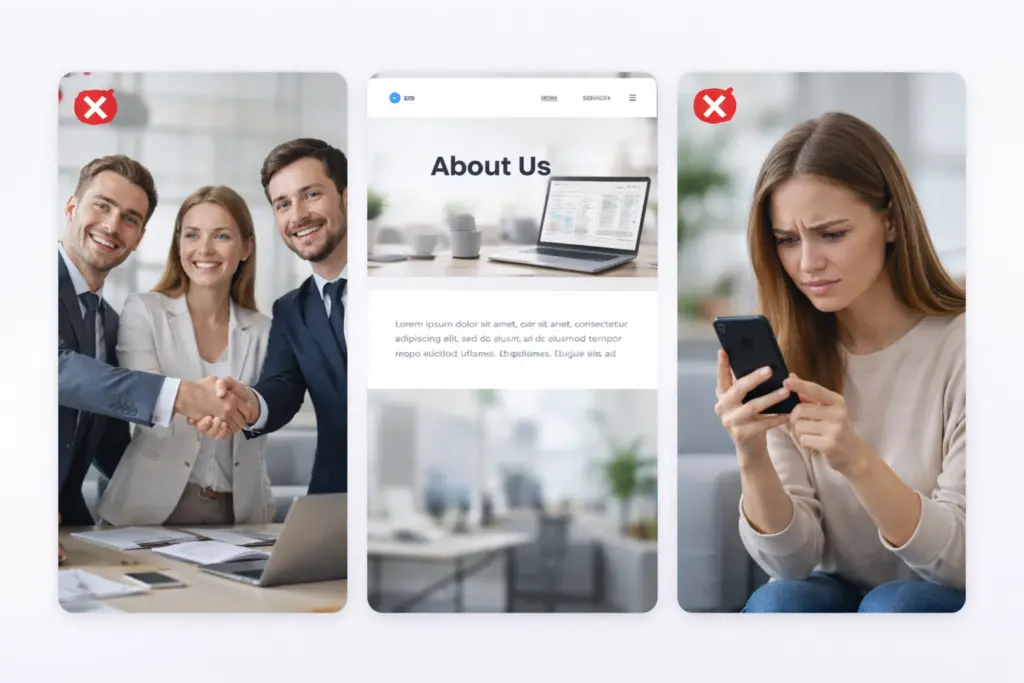
Website Design Red Flags

Stock photos that look fake, vague About Us pages, and poor mobile experiences destroy user trust faster than anything else. These common mistakes make visitors leave before they even consider buying. Let’s talk about them in detail:

Stock Photos That Look Fake

Generic business people from stock sites signal laziness to visitors (those same faces pop up on every third website they browse). Real customer images build connections. Besides, overused stock images hurt credibility because visitors recognize them from other sites.

Vague About Us Pages

Generic mission statements without real names make visitors wonder who they’re doing business with. Stop beating around the bush. Instead, share specific founder stories, team backgrounds, or Westport office details that create the personal connection users expect from legitimate businesses.

Poor Mobile Experience

Websites that don’t work smoothly on phones frustrate more than half of your traffic. What does that mean for you? Well, tiny text, broken layouts, or slow loading signal outdated technology and careless business practices. Mobile optimization shows you understand modern user behavior.

These mistakes destroy the trust signals you worked hard to build throughout your site.

Start Building Trust Today

Users abandon websites every day because trust signals are missing. Your business loses potential customers not because your service lacks quality, but because visitors can’t verify your credibility fast enough. They click away to a competitor who got the details right.

That’s exactly why we covered the design elements that establish credibility instantly. Security badges, customer testimonials, transparent pricing, and real photos all influence user trust in ways that drive conversions when done right.

Now it’s time to put this into action. Our team at Westport Osprey will take you through every design choice you need to convert skeptical visitors into loyal customers. Your next visitor could be your next sale.

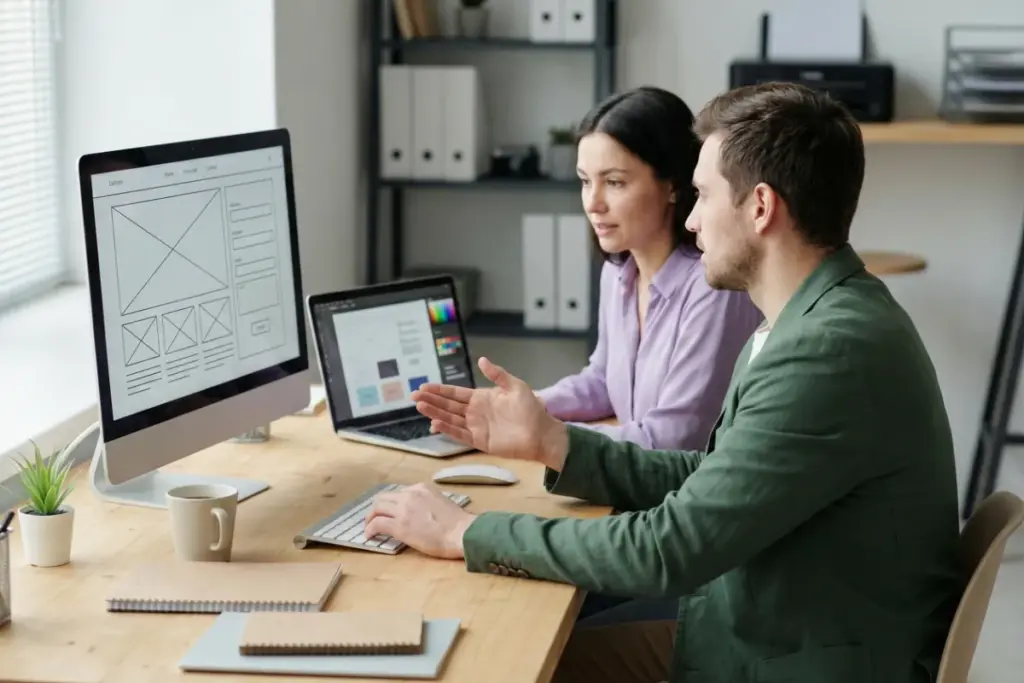
A team of a man and two women in a modern office collaborating around a table with wireframes and a laptop, illustrating the behind-the-scenes planning phase of a professional website development.

What Happens Behind the Scenes of a Professional Website Build

A professional website build involves planning, design, development, testing, and launch. These steps work together in a specific sequence. Most people only see the finished product, but behind every polished site is a process that takes weeks (sometimes months) to get right.

If you’ve ever wondered what really happens after you hire a web developer, we’re here to explain it to you. At Westport Osprey Website Design, we walk clients through this web development process every day, so we know how to make it simple and transparent.

In this guide, we’ll break down each stage of a professional website build. You’ll learn what happens behind the scenes, what to expect at each phase, and how to avoid common delays.

Ready? Let’s begin.

How Does a Professional Website Come Together?

Two women and one man collaborating in a bright office, reviewing wireframes and visual site structure diagrams during the early planning stages of a professional website build.

A professional website comes together through discovery and goal setting, structured planning, design execution, development, testing, and launch. Since each step depends on the one before it, the process stays smooth and organized.

We’ll now explain the preparatory stages.

Discovery and Goal Setting

What does your website actually need to accomplish? This is the first question any good web developer will ask. And your answer will influence everything, including design direction, page structure, and functionality.

During the discovery stage, the team researches your business. They find out who your customers are and what your visitors should do after landing on your site.

They also need to know what you want to achieve from the site, like if you want visitors to buy something from you or book a call. These goals directly impact how the developer will build your site.

And without clear goals like that, your project may derail and take longer to finish. This way, you’ll end up with a site that looks nice but doesn’t do anything for your business.

Sitemap and Information Architecture

Once your goals are clear, the next step is figuring out how to organize your site. That’s where you need a sitemap and information architecture.

We’ll talk about the sitemap first. It’s pretty similar to a blueprint for a house. You wouldn’t pour concrete without knowing where the rooms go, right? A sitemap works the same way because it lays out every webpage and shows how they connect to each other.

Then there’s information architecture, which defines how you organize web pages and content. If it’s well-designed architecture, users don’t notice it because everything feels natural. So visitors move through the site easily and find what they need without confusion. At the same time, search engines scan this structure to understand how pages connect.

However, if you create a messy layout, users get frustrated quickly, and your visibility in search results drops (would you stay on a site like that?).

Pro tip: Design your architecture to scale so future pages fit naturally without breaking the existing structure.

Wireframes, Mockups, and Prototypes

In this stage, agencies start imagining how each page will look. Specifically, they focus on web design rather than writing code. And to connect ideas visually, they build clickable versions of the site first. We’re talking about wireframes and prototypes.

Here’s how it works. Wireframes map out the basic layout and structure of each page. Mockups are then built on that structure by adding visual details like colors, fonts, and spacing.

And prototypes bring everything together by adding simple interactions. It allows users to click through the site and understand how it will work before development begins.

This approach helps teams catch problems early in the development process. Seriously, it’s way better than finding out that your web developer has wasted a full week building something that fails to work as expected.

What Happens During Design and Development?

A man and a woman working together at a desk with monitors and a laptop, illustrating realistic front-end and back-end website development in a professional office setting.

During design and development, teams build the website’s structure, visuals, and functionality through front-end development and back-end development. More precisely, designers focus on layout and visuals, while developers handle logic, data flow, and server-side behavior.

And while all of that is happening, agencies configure a Content Management System (CMS) and a Version Control System (VCS) for updates to remain organized and secure.

Let’s get into more detail about these stages.

Front-End Development

Front-end development focuses on the part of a website that users see and interact with in their browser. It controls how pages look and feel, including layout, buttons, menus, HTML forms, and interactive elements.

Particularly, front-end developers use HTML, CSS, and JavaScript so the site responds smoothly when users click, scroll, or fill out forms.

Back-End Development and CMS Setup

Have you ever wondered how login forms actually save your data? Or how your shopping cart remembers items after you leave the page? Back-end development handles this behind-the-scenes work that users never see.

The way it works is that the server-side code links your site to databases, handles data, and protects important information. Your website would just be a bunch of pretty pages that don’t do anything without it (trust us, this is not the place to cut corners).

Most agencies also set up a content management system during this phase, plus a version control system to track every change made to the code. This way, nothing gets lost, and the team can roll back if something breaks.

Content Population

Now that the development stages are complete, your site is ready for content. This is where you load written copy, images, and videos into each page.

It sounds simple, but there’s more to it than just copying and pasting. For example, your content needs to fit the design without breaking layouts or looking awkward on mobile. And your images need to be optimized so they don’t slow the site down.

You also add different SEO elements like meta titles, descriptions, and alt text for images to your site here. These details help search engines understand what each page is about, which means better visibility down the road.

How Do Web Development Teams Test and Launch a Site?

Two women and one man testing a website across desktop, tablet, and mobile devices in a professional office, illustrating quality assurance and pre-launch website testing.

Web development teams test a site by reviewing every web page, link, and form on different browsers and devices. This is when testing tools help teams find problems early so visitors never run into them.

Quality Assurance and Browser Testing

Thorough quality checks help catch bugs before the site goes live. It ensures that while visiting your webpage, customers get a smooth experience on launch day instead of errors.

Here are the main quality assurance checks:

  • Functionality Checks: The QA team clicks every button, fills out every form, and tests every link. If something is broken, this is when it gets caught.
  • Cross-Browser Testing: A feature can work in one browser but fail in another, so the site must display correctly across all major browsers. For this reason, the QA team checks how everything looks and works in Chrome, Safari, Firefox, and Edge.
  • Device Testing: During testing, the team also reviews the site on phones, tablets, and desktop screens. This step is important because a button that works well on a laptop may not appear correctly on a smaller device.

Deployment and Going Live

Great news! The testing is complete, and your site is almost ready to go live. But you still need to complete a few more tasks before the final hours.

Make sure the following steps are done before making your site live:

  • Server Migration: First, the team moves the staging site to the live web server. This version matches the private site you reviewed during the build. That means everything should appear exactly as expected when it goes public.
  • DNS and SSL Setup: Next, the team connects your domain to the correct location so visitors can reach your site. At the same time, they install security certificates to help protect data and keep the site safe.
  • Redirects: If you’re replacing an old site, redirects prevent existing links from breaking. It protects your SEO and keeps visitors from hitting dead ends.
  • Analytics Activation: You can now use analytics tools like Google Search Console (GSC) to begin tracking site activity. With this data in place, you can see how visitors find your site and how they move through it.

When everything is in place, your site is ready to operate as a dependable web service for visitors.

What Should Clients Expect Throughout the Process?

A man and a woman from a web agency meeting with a client man and woman in an office, reviewing website materials together and discussing feedback during a professional website build.

Clients should expect to provide content, feedback, and approvals at main milestones throughout the build. Your involvement keeps the project moving and helps the team stay on track.

We’ll now dig deeper into the expectations of clients.

Your Role in the Build

Believe it or not, understanding your responsibilities early helps the project move faster and stay within budget.

You must remember that you aren’t just handing off a project and waiting for a finished site. Rather, you’ll need to provide content, images, brand guidelines, and timely feedback at each stage. The more prepared you are, the faster things move.

Pro tip: Collect all feedback in one shared document. It’ll keep all comments organized in one place and help the team avoid confusion.

Common Delays and How to Avoid Them

Missing content is the number one reason web projects fall behind. The design is done, the developers are ready, but there’s nothing to put on the pages. We’ve seen launches pushed back by weeks because the copy wasn’t finished.

Another common issue comes from adding new ideas during the build. For instance, let’s say your client sees something on a competitor’s site and suddenly wants it too. It’s not always a problem, but it does extend timelines and budgets (inspiration arrives at the worst time).

That’s why we recommend setting clear deadlines for feedback rounds. Know what you want before the build starts, and save the “nice to haves” for phase two.

Get Started on Your Website Project

You now understand what happens behind the scenes during web development, starting with early planning and wireframes and ending with testing and launch. The work follows a clear sequence, and each step builds on the one before it.

When you have that knowledge, you can come prepared, ask better questions, and avoid delays that slow many projects down.

If you’re thinking about a new site or a redesign, get in touch with our team today. We here at Westport Osprey have been building websites for businesses across Connecticut. Let’s connect now and talk about your project.